FOR WOMEN WHO ARE GOOD AT REAL WORK
You are good at something. AI can help you find out what and get paid for it.
This is not a job board. It is a place to find the work you like, where AI fits in, and how to make money at it.
Get your copy of the kitYour own copy of the card game and the six moves. It runs in the Claude app, on your computer.
Your kit is downloading.
If it didn't start, download it here. Then check your email and press Confirm Subscription.
Free. Hosted by our newsletter on Beehiiv. One click to unsubscribe.
This is for you if.
What AI does. What you do.
Most owners have no idea how to set this up. You already know how the work goes.
Five moves
Let’s start
Say hello. Claude sets up your folder.
Play the card game
Pick the work you love. Skip what drains you.
Where does AI fit me?
Where AI fits your strengths, and who would pay for that help.
Show me how to make money at it
Turn it into a service, a side income, or a job.
Find me openings
Real openings, scored for fit, with a resume fitted to each one.
Bonus: say Practice an interview and Claude runs one with you. Say any of these your way.
Try the What Am I Good At game
Find out what I’m good at and what I can get paid for.
Organizing, decluttering, or cleaning up an office, a file, a house, or whatever you like to do.
Your top picks:
Speak it. Don’t type it.
Talk to Claude the way you talk to a friend over coffee. Ramble. Laugh. Change your mind halfway through. Wispr Flow turns your voice into clean text in the message box, so the card game feels like a conversation, not homework.
- Hold the fn key
- Say it out loud
- Let go. Your words appear
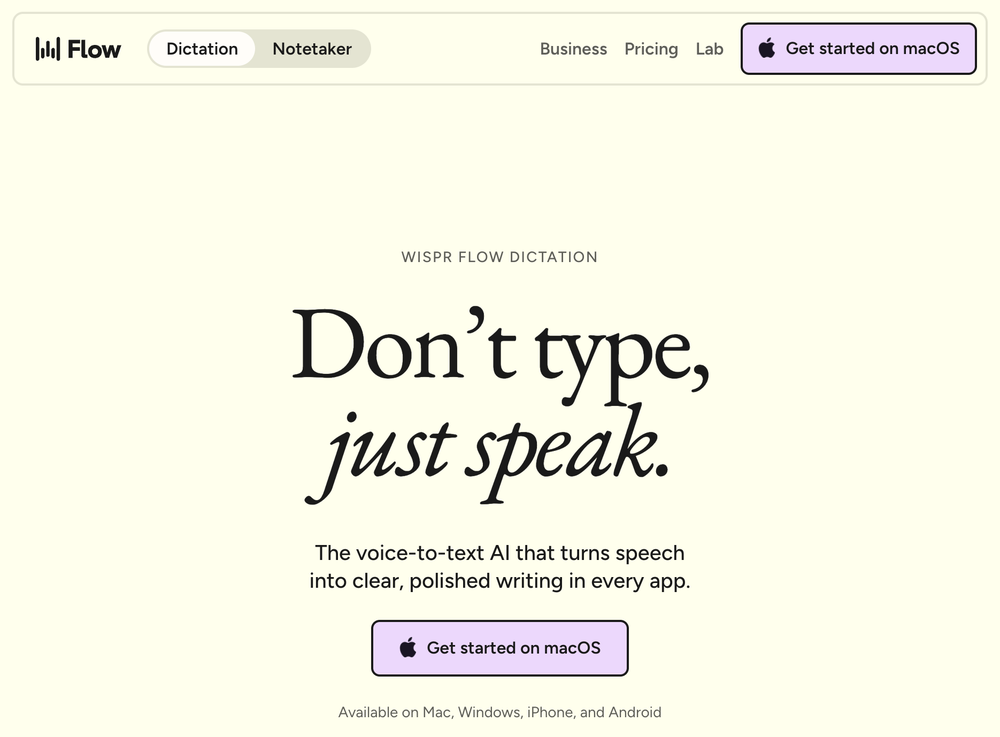 Meet Wispr Flow. Click to get it (affiliate link)
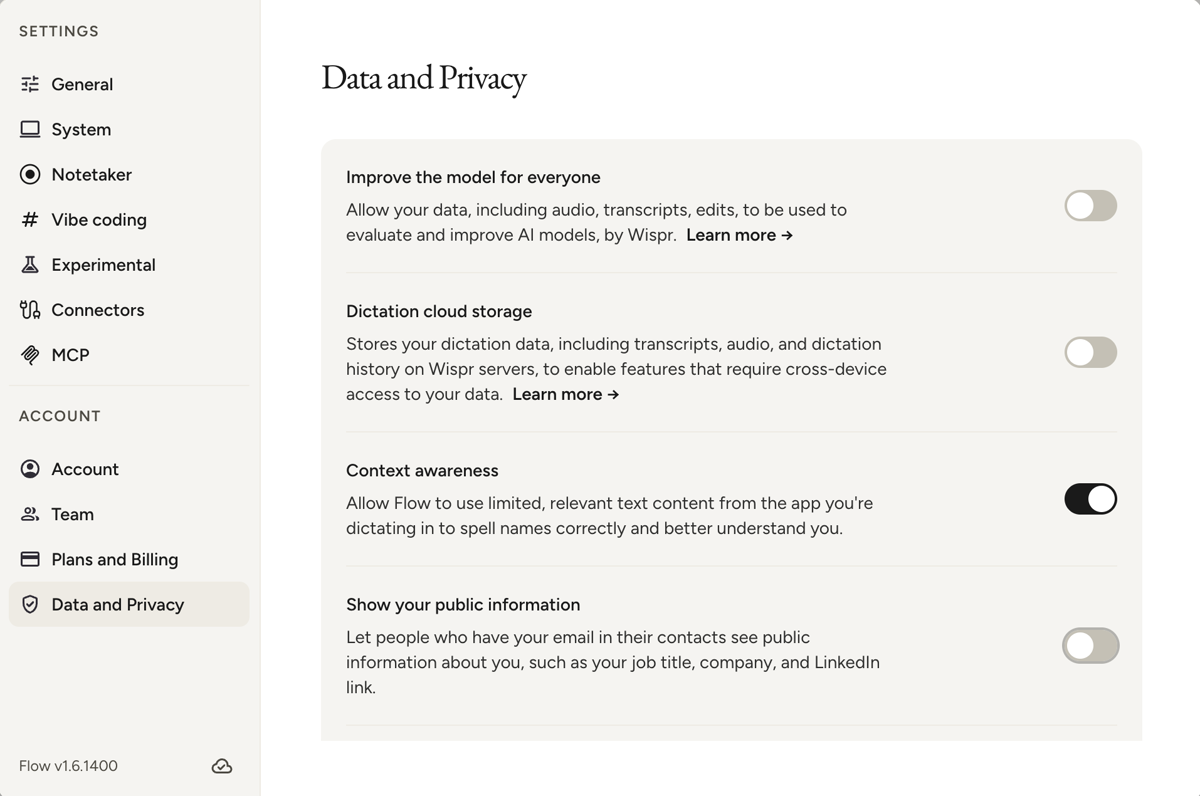 Set these for privacy. Dictation cloud storage off
Make sure you set these for privacy
Your voice stays yours. One switch keeps your dictation off Wispr’s servers.
- Open Wispr Flow and click Settings.
- Under Account, click Data and Privacy.
- Switch off Dictation cloud storage.
On your phone: open Wispr Flow, tap Settings, scroll to Data and privacy, and switch off Dictation cloud storage.
Then Wispr does not keep your dictation on its servers.
Logged out and back in? Do these steps again. Logging out turns cloud storage back on.
Yours, and private
- Your answers live in the kit folder, on your own computer.
- Nothing is posted or shared unless you do it.
- Your AI never makes up experience. It only uses what you tell it.
Questions
Does this take coding?
No. You type or talk in plain sentences, the way you would talk to a friend. The four setup cards on this page walk you through every click, from getting the Claude app to saying Let's start in your project.
Is it private?
Yes. Your answers are saved in the kit folder on your own computer, in a folder called me. Claude reads them to work with you, so they are processed on Anthropic's servers, the same as any Claude chat. Nothing is posted or shared unless you do it. If you use Wispr Flow to talk, turn off its Dictation cloud storage setting.
Will it apply for jobs for me?
No. It finds openings, scores each one from 1 to 5 for how well it fits you, and writes a resume and cover letter fitted to that job using only your real history. You decide which ones to apply for, and you send them yourself.
What does it cost?
The kit is free to download. Working with a folder in the Claude app comes with a paid Claude plan. Wispr Flow, for talking instead of typing, is optional. Typing works the same way.
Who made this?
Nicole Jolie, the founder of Socially Smashing. She helps business owners get found and recommended by AI, and she built this kit for women who are good at real work and keep hearing that AI is taking it.